
Form Follows Function: A Digital Manifesto
When Walter Gropius opened the Bauhaus school in Weimar in 1919, the world was licking its wounds after World War I. Chaos needed order. Old, decorative styles seemed inadequate for the new, industrial reality. Today, in 2026, we face a similar challenge in the digital world. The internet is overloaded, loud, and chaotic. The answer, just like a hundred years ago, might be a radical return to foundations.
Bauhaus is not just a visual style. It is a philosophy that prioritizes utility over decoration. In web design, this means prioritizing content, readability, and interaction over unnecessary ornaments. It was Bauhaus that taught us that white space is an active element of design, not just a background.
This article is not just a history lesson. It is a guide on how to transfer principles from 1919 to the screens of smartphones and 8K monitors, creating interfaces that are not only beautiful but, above all, useful.
1. Geometry and Grid: Foundations of Order
Modular Grid as a Skeleton
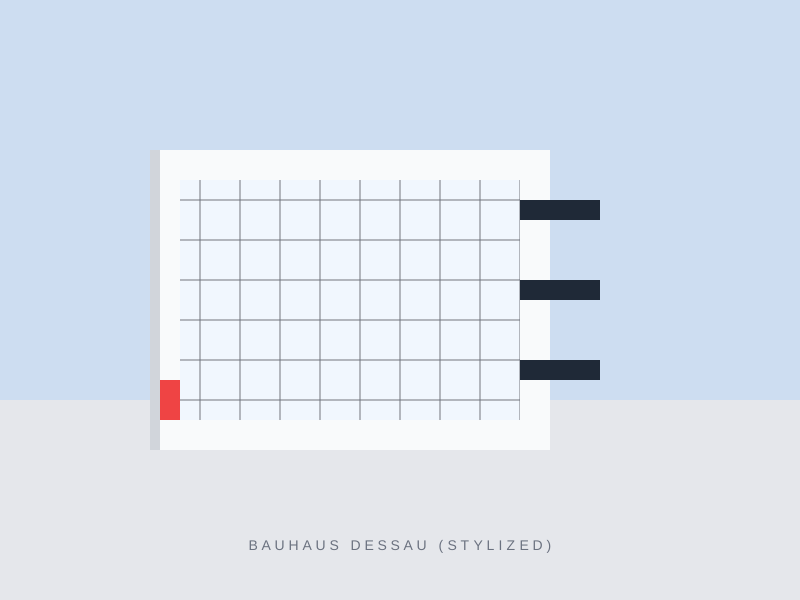
Bauhaus loved order. Modernists believed that mathematics and geometry are a universal language that everyone understands, regardless of culture or language. In web design, this translates to strict usage of grids. CSS Grid is the tool of today that Gropius and Mies van der Rohe dreamed of.
Bauhaus-style websites are not afraid of asymmetry, but it is **controlled asymmetry**, based on mathematical proportions. Elements are not scattered randomly – they are precisely balanced to guide the user's eye in the intended way.
Proximity Principle
Functionally related elements must be visually close. This is the basis of Gestalt, the psychology Bauhaus relied on.
Negative Space
White space is not "emptiness". It is breathing room. In Bauhaus, space defines structure just as strongly as filled elements.
"Limitation breeds creativity." Imposing a rigid 12-column grid allows for easier design decisions and ensures visual consistency across all subpages. When you have a framework, you can improvise within it.
2. Typography: The Voice of Design
San-serif or Death
Bauhaus rejected decorative serifs in favor of simple, geometric sans-serif typefaces (grotesques). Herbert Bayer, creator of the "Universal" typeface, strove to create the perfect font, devoid of unnecessary ornaments, and even... capital letters (arguing that we don't speak in capital letters, so why write them?).
In the web today, fonts like **Inter**, **Roboto**, or classic **Helvetica** (the spiritual heir of Bauhaus) reign supreme. In this style, typography is not just for reading – it is the main graphic element. A headline is not just a label; it is a structural element of the page.
- **Size**: Large, bold headline hierarchy. H1 must scream.
- **Layout**: Text set at an angle (common in Bauhaus posters) or in unusual blocks.
- **Weight**: Extreme contrast between weights (Ultra Light vs Black).

3. Color: Primary Palette
Red, Yellow, Blue
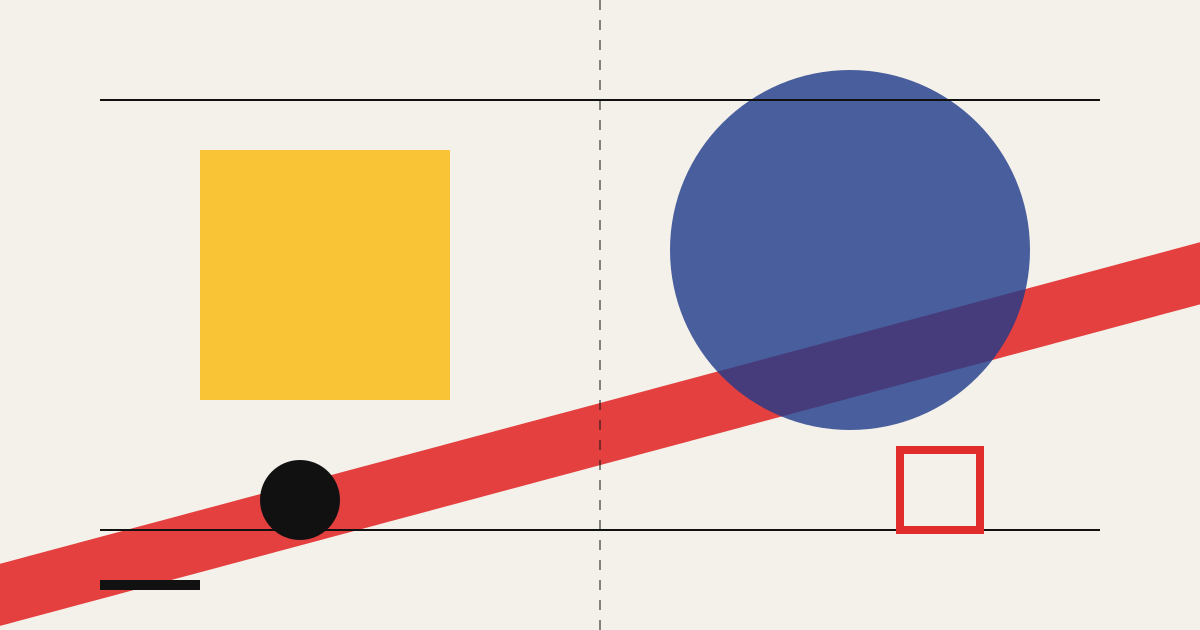
Primary colors plus black and white (or beige, gray). This is the palette that defines this style. Wassily Kandinsky assigned shapes to colors (yellow triangle, red square, blue circle), believing in their universal psychological meaning.
In UI design, these colors work great as **functional accents** on a neutral background. We don't use color to make it "pretty". We use it to direct attention:
4. From Architecture to Interface
Glass Facade vs Screen
The Bauhaus building in Dessau was famous for its glass curtain wall, which revealed the interior and structure of the building. This was "architectural honesty". In web design, the equivalent is transparency and lack of skeumorphism (pretending materials like wood or leather).
Modern styles like "Glassmorphism" (blurred backgrounds) are a distant echo of this idea, but in pure Bauhaus style, we rely more on **lines, borders, and clear containers**. This is visible in the "Bento Grids" trend (bento box-like grids), which dominate Apple or Linear.com designs. It is nothing more than Bauhaus modularity in a digital edition.
5. How to Implement Bauhaus Today? (Practical Guide)
Modern Modernist Checklist
-
Simplify Navigation Remove everything absolutely unnecessary. If a user can reach a goal in 2 clicks instead of 3, do it.
-
Increase Typographic Contrast Don't be afraid to combine huge headlines with very small (but legible) supporting text. Contrast builds hierarchy.
-
Geometry in Sections Use clear line divisions, rectangular blocks, and circles for profile pictures. Shapes have meaning.
What to Avoid? (Anti-patterns)
- X Too many gradients and shadows (unless subtle)
- X Decorative script/handwritten fonts
- X Lack of grid - chaos is the enemy
- X Form without function (ornaments for ornaments' sake)
6. Future: Bauhaus in Spatial Computing
We are entering the era of VR/AR (Apple Vision Pro, Meta Quest). In 3D space, Bauhaus principles become even more important. In the virtual world, there are no physical limitations, so chaos is easy to come by.
Bauhaus teaches us to build, not decorate. In spatial interfaces ("Spatial UI"), the simplicity of the solid, readability from a distance, and clear function of each element are key to preventing the user from getting simulator sickness from sensory overload. It may turn out that the school from 1919 prepared us best for designing the reality of 2030.
Summary: Eternal Modernity
Bauhaus stood the test of time because it was not based on fashion, but on logic and functionality. Trends come and go – Neumorphism was here and gone, Claymorphism was a momentary curiosity. Bauhaus is a foundation.
In a world where websites are becoming increasingly complicated ("bloat"), a return to simple shapes, readable fonts, and functional minimalism is like a breath of fresh air. It is design that respects the user's time and intelligence.
When creating interfaces in 2026, ask yourself: is this element necessary? If not – remove it. Gropius would be proud.